


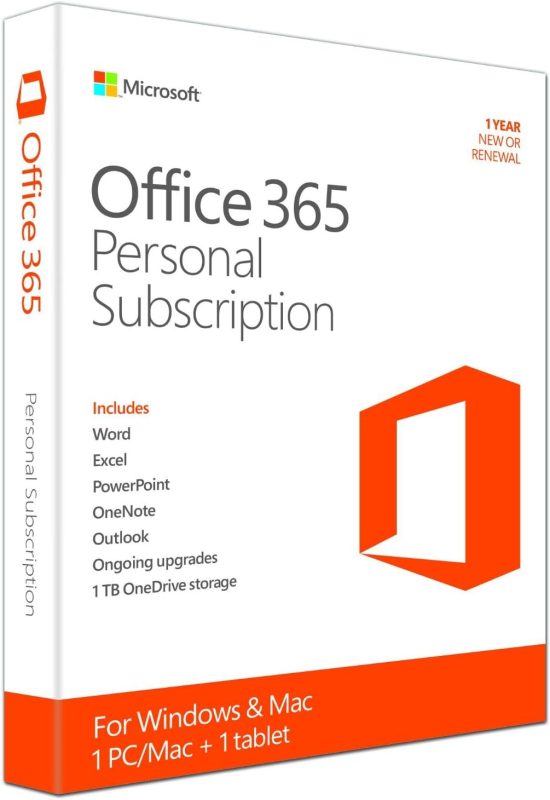


Office 2021 Professional Plus


Microsoft Office 2024 Professional Plus

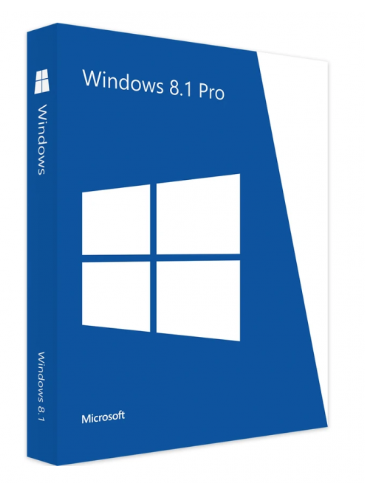
Windows 11 Professional Digital License


Avast Premium Security

Adobe Photoshop (PC)
Explore Photoshop features
🖌️✨ Make selections with a brushstroke
Use the Selection Brush tool to paint in selections, then apply edits and fills or filters. Plus, you can use opacity and hardness controls to blend edits seamlessly.
🎨✏️ Use a brush to apply selective edits
Grab the new Adjustment Brush Tool when you want to change just one part of an image. Paint on adjustments to brightness, saturation, exposure, and more.
🤖🖼️ Edit images with generative AI
Make complex edits in a flash with the most advanced Generative Fill yet. Plus, use Reference Image to create with more control. Upload a sample image to inform the content of your generated result.
✍️🖼️ Create with Text to Image
Ideate and create new assets using Text to Image, now out of beta. Zip through dozens of ideas in minutes and combine multiple images into something new.
✂️📐 Crop an image
Select part of an image with the Crop tool and remove everything outside the selected area, or pair it with Generative Expand to extend the image.
🖼️➕🖼️ Combine images
Create a composite of two or more images by placing them on their own independent, transparent layers.

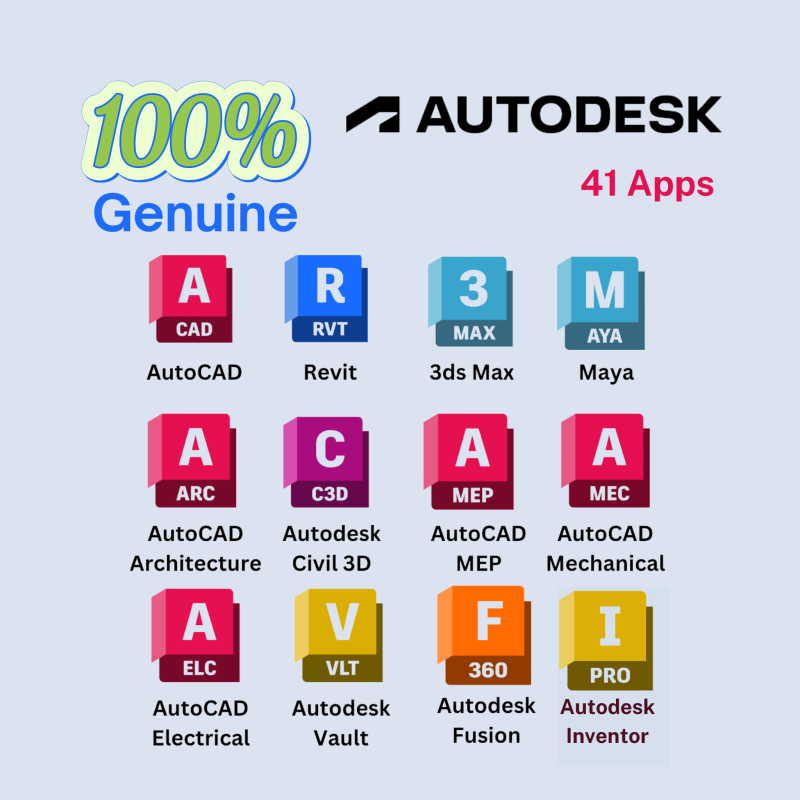
Autodesk AutoCAD 2026
Trusted by millions. Built on four decades of innovation.
Autodesk® AutoCAD® provides a best-in-class 2D and 3D design experience with enhanced automation. Add markups and incorporate feedback with a couple of clicks, even from printed drawings. Automate counting objects, compare drawings, and take advantage of curated insights to learn about features to help you get work done faster. AutoCAD includes specialized toolsets with industry-specific features for architecture, mechanical and electrical design, and more. Quickly and seamlessly access data across Autodesk products. Subscribe for unique design features and connections with major cloud storage providers whether you are on a PC, Mac, tablet, or on the web.Computer-Aided Drafting with Specialized Toolsets
|
|

Parallels Desktop 20 for Mac Professional
- Since it has a permanent license, there will be no recurring subscription fees.
- The subscription version can get free upgrade to future newer editions, but the permanent-license version does not have this feature.

Microsoft® Office 2019 Pro Plus
- Word 2019 (creating and editing professional texts)
- Excel 2019 (spreadsheet generation and data management suitable)
- Outlook 2019 (Efficient processing of your emails)
- PowerPoint 2019 (creating and editing presentations)
- Access 2019 (Creating and editing powerful databases)
- Publisher 2019 (Creating and editing publications and marketing materials)
- Skype for Business (Professional software for IP telephony and video conferencing))
SQL Server 2019 Standard
Autodesk Advance Steel 2026
- Leverage a robust selection of parametric structural elements with built-in intelligence.
- Customize automatic joints and model custom connections.
- Generate shop drawings and general arrangement drawings automatically, to your specifications.
- Use predefined and custom formats for creating bills of material (BOMs)
- Create DSTV CNC machine compatible files.
- Easily exchange data with Autodesk® Revit®, Autodesk® Navisworks®, Autodesk® RobotTM Structural Analysis, and Autodesk® BIM 360TM

Autodesk 3ds Max 2026
3D Modeling, Animation, and Rendering
Create stunning, photo-realistic visualizations with Autodesk® 3ds Max® software. Work more efficiently and creatively with modeling, animation, rendering and workflow updates. Smart Asset Packaging allows users to create, share, and update portable assets that are flexible, connected, and react to changes in design data. Customizable Workspaces offer a more responsive, modern, and personalized user experience, and Blended Box Map gives users the ability to morph visible seams by blending as many as six materials applied to an object. Finally, version 1.0 of the MAXtoA plug-in is integrated into 3ds Max, giving artists access to Arnold's latest features.
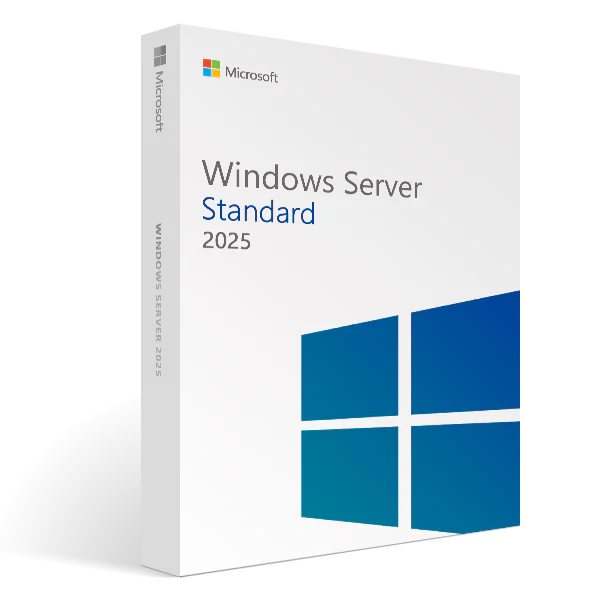
Microsoft Windows Server 2025 Standard ESD

Autodesk 3ds Max

Autodesk Advance Steel

Autodesk Alias Family of Products

Autodesk Architecture, Engineering & Construction Collection

Autodesk Assemble

Autodesk AutoCAD

Autodesk BIM Collaborate

AUTODESK Fusion Manage
Original price was: R1 000,00.R800,00Current price is: R800,00.
Autodesk FormIt Pro
Original price was: R600,00.R550,00Current price is: R550,00.
AUTODESK AutoCAD Plant 3D
Original price was: R1 000,00.R550,00Current price is: R550,00.
AUTO DESK AutoCAD
Original price was: R1 000,00.R550,00Current price is: R550,00.
Naviswork Manage
Original price was: R1 000,00.R550,00Current price is: R550,00.


Office 2021 Professional Plus
Microsoft Office 2024 Professional Plus
Windows 11 Professional Digital License
Avast Premium Security
Adobe Photoshop (PC)
Explore Photoshop features
🖌️✨ Make selections with a brushstroke
Use the Selection Brush tool to paint in selections, then apply edits and fills or filters. Plus, you can use opacity and hardness controls to blend edits seamlessly.
🎨✏️ Use a brush to apply selective edits
Grab the new Adjustment Brush Tool when you want to change just one part of an image. Paint on adjustments to brightness, saturation, exposure, and more.
🤖🖼️ Edit images with generative AI
Make complex edits in a flash with the most advanced Generative Fill yet. Plus, use Reference Image to create with more control. Upload a sample image to inform the content of your generated result.
✍️🖼️ Create with Text to Image
Ideate and create new assets using Text to Image, now out of beta. Zip through dozens of ideas in minutes and combine multiple images into something new.
✂️📐 Crop an image
Select part of an image with the Crop tool and remove everything outside the selected area, or pair it with Generative Expand to extend the image.
🖼️➕🖼️ Combine images
Create a composite of two or more images by placing them on their own independent, transparent layers.

